Schulte table
Find 1 to 25. Eyes on the centre.
Tap the numbers in order, from 1 up, as fast as you can. The classic way is to fix your gaze on the middle square and find each number without moving your eyes.
Press start, then tap 1.
A wrong tap adds nothing to the clock but costs you the time it took. Best times are kept per grid size until you close the page.
What a Schulte table is
A Schulte table is a square grid of shuffled numbers. The task is to find them in order as quickly as you can. It is named after the German psychiatrist Walter Schulte, who used it to study attention, and it has been a staple of speed-reading and attention drills ever since.
How to do it properly
- Sit so the whole grid is comfortably in view.
- Look at the centre square and keep your eyes there.
- Find 1, then 2, then 3, using the edges of your vision instead of scanning line by line.
- Tap each number as you find it. Do not say the numbers out loud; it slows you down.
Holding your gaze still is the hard part and the point. Scanning with your eyes turns it into an ordinary search. Keeping them centred makes you take in the whole grid at once.
Reading your time
There is no official scale. Your time depends on the grid size, the screen, and whether you tap with a finger or a mouse, so the only fair comparison is with your own earlier rounds on the same setup. Expect the first few rounds to drop quickly as you learn the task; after that, changes are smaller and say more.
Getting more out of it
- Start small. A 3 × 3 grid teaches the centre-gaze habit before the search gets hard.
- Do a few rounds, not fifty. Three to five in a sitting is enough. It is a warm-up, not a workout.
- Switch off the dimming. With found numbers left as they are, you have to remember where you have been.
This is a game and a practice drill. It is not a medical or diagnostic test of attention.

Curious how the rest of your attention holds up?
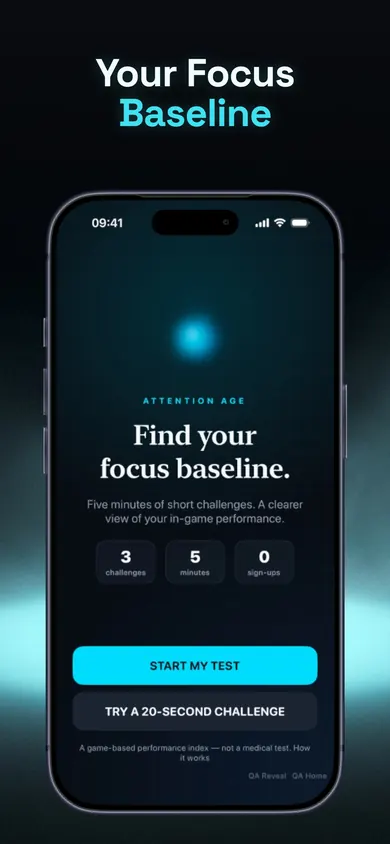
Attention Age: Focus Test is an iPhone app built around a five-minute test with five category scores. Its listing says the three core practice drills, weekly results and a 10- or 25-minute timer are free.
Get Attention Age on the App StoreOptional auto-renewing Pro adds drills, circuits and longer timers. Scores describe performance in its own games; it is not a medical or diagnostic test. iOS 18 or later.
Honest Little Apps publishes both Attention Age and this page. This is a separate browser tool and does not sync with the app. App details checked November 10, 2026.
On a computer? Open it on your iPhone