BEFORE IT GOES ON THE CALENDAR
“Friday works.”
Which Friday?
A friendly reply can still be an incomplete booking. Check what is actually agreed, then ask only for the missing details.
No client names or messages needed. This checklist does not check your availability, reserve a slot or send a message.
AGREEMENT NEEDS DETAILS.
What is explicit in the request?
Mark each detail as clear, missing or not applicable. “Not applicable” excludes it from the follow-up; it does not verify it.
MAKE THE RESULT USEFUL
Do not fill ambiguity with an assumption.
“Friday afternoon” leaves the date and time open. “The usual” can leave the service and duration open. A location mentioned last month may no longer apply. Ask a focused question before adding an event.
Once details are clear, separately check availability, travel or setup time, and your own booking policies. This checklist cannot decide whether a booking is accepted or whether the client has agreed to a policy.
Use the generated message as a draft. Remove questions that your context already answers, and review the tone before sending it yourself.

THE NEXT STEP
Bring the request and the calendar step together.
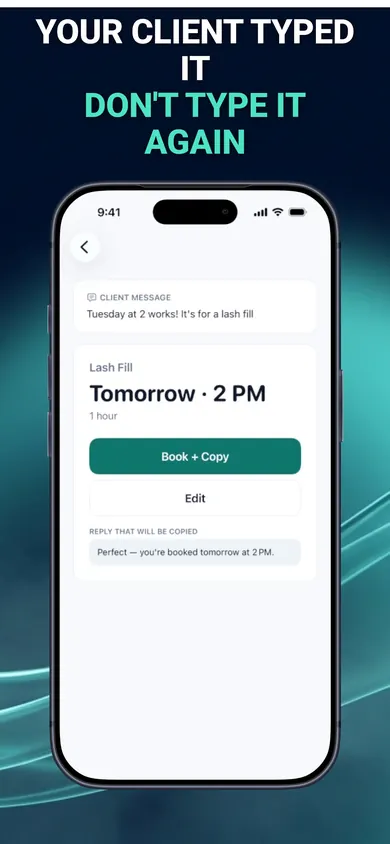
BookingSolved works with text or screenshots you choose to share. It flags unclear details, supports service presets and prepares replies. Calendar changes require your approval.
Get BookingSolved on the App Store ↗The first three completed actions are free. Pro unlocks unlimited actions; Undo remains free. This web checklist is separate and does not access your messages or calendar.
Publisher disclosure: Honest Little Apps publishes BookingSolved and this companion resource. This is not an independent review. App details checked November 4, 2026.