Tip pool calculator
Split the tips so everyone can check the maths
Type the night's total, add who worked and for how long, and pick the method. Each share is shown with its working, and the shares add up to the total to the cent.
| Name | Hours | Points |
|---|
Nothing you type is saved or sent.
Tip pool
| Person | Working | Share |
|---|---|---|
| Total | ||
Three ways to split a tip pool
| Method | How it works | Suits |
|---|---|---|
| By hours | Total tips ÷ total hours = a rate per hour. Each person gets the rate × their hours. | Teams doing similar work on shifts of different lengths |
| Evenly | Total ÷ number of people. | Small teams who all worked the full shift |
| Hours × points | Each role has a weight, for example server 10, bartender 8, runner 5. Share is in proportion to hours × points. | Mixed roles where the house has agreed weights |
Why the cents matter
Divide $100 three ways and you get $33.33 each, with a cent left over. The calculator hands leftover cents to the largest shares first, so the column always adds up to exactly what was in the jar. Nobody has to wonder where the odd cent went.
Before you pool
Who may be included in a tip pool is set by law, and it differs by country, state and province. In the United States, federal rules do not let managers or supervisors keep tips from a pool. Agree the method in writing, post it where staff can see it, and keep each night's sheet. This page does the arithmetic; it is not legal advice.

Tips sorted. Is the rest of your pay right?
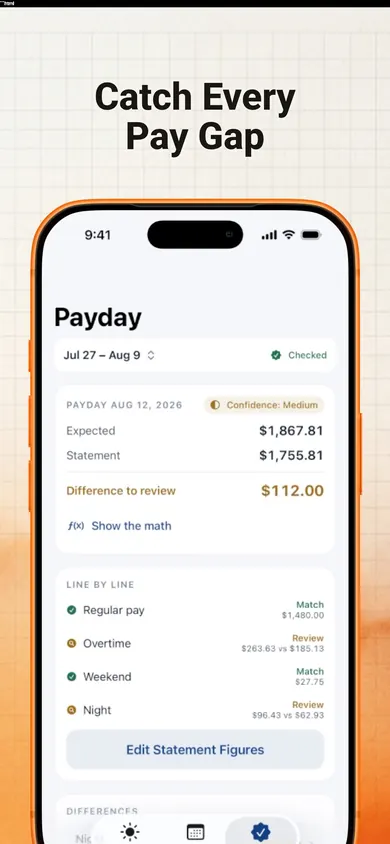
EarnCheck: Shift & Pay Tracker is an iPhone app that keeps your own shift record, separate from your employer's, and lets you compare estimated gross earnings with your pay statement. It supports overnight shifts and shows the calculation behind each estimate.
Get EarnCheck on the App StoreFree and optional Pro features are available; check the App Store for current terms. Estimates are not a statement of wages owed.
Honest Little Apps publishes both EarnCheck and this page. This is a separate browser tool and does not sync with the app. App details checked November 10, 2026.
On a computer? Open it on your iPhone