Free trial calculator
When does your free trial end, and when should you cancel?
Put in the day you signed up and the length of the trial. You get the end date, the last safe day to cancel, and a reminder you can drop into your calendar.
Your trial
Nothing you type is saved or sent. The reminder file is made on your device.
- Trial started
- Reminder
- Last safe day to cancelOne full day before the trial ends.
- Trial endsThe first charge usually happens on or around this date.
The calendar file (.ics) opens in Apple Calendar, Google Calendar and Outlook. Dates are calendar days counted from your start date; the service's own terms decide the exact cut-off time.
How trial dates are counted
A trial measured in days ends that many days after you start it. A trial measured in months ends on the same day of the month, however long the month is.
| Trial started on the 10th | Trial ends | Last safe day to cancel |
|---|---|---|
| 3-day trial | 13th | 12th |
| 7-day trial | 17th | 16th |
| 14-day trial | 24th | 23rd |
| 1-month trial | 10th of next month | 9th of next month |
Why the day before, not the day of
The trial does not end at midnight on a date you choose. It ends at a moment the service chooses, often the same time of day you signed up, sometimes in a different time zone. Cancel on the final day and you may already be too late.
Apple spells this out for App Store subscriptions: its support guidance says a trial that is not cancelled more than 24 hours before the renewal date might renew. A full day's margin covers that rule and most others.
Three things to check when you sign up
- Does cancelling end access straight away? Some services let you keep the rest of the trial after you cancel; some cut you off on the spot. If access continues, cancel on day one and the worry is gone.
- Where do you cancel? A trial started inside an iPhone app is cancelled in your Apple subscriptions. One started on a website is cancelled on that website. Deleting the app cancels nothing.
- What is the price after the trial? Write it down next to the date. "Free for 7 days" is easy to remember; "then 59.99 a year" is the part that matters.
If you already missed it
Cancel now so it does not renew again, then ask for a refund through wherever you paid. Refunds are at the seller's discretion, but a request made the same day as an unwanted first charge is the easiest one to grant.

One trial is easy to remember. The fifth one is not.
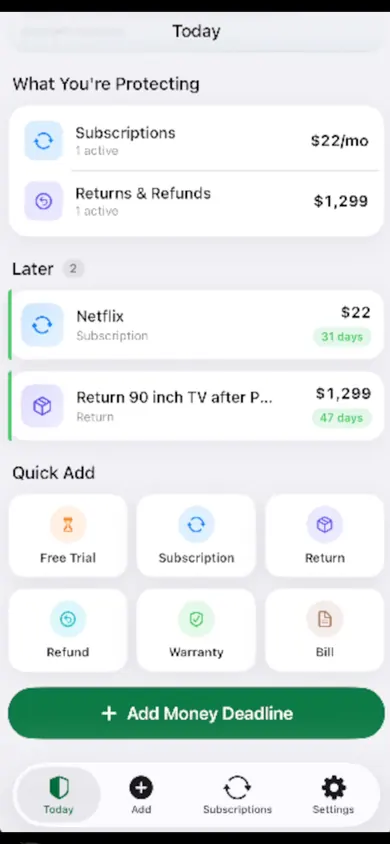
MoneyShield: Sub Tracker is an iPhone app for the dates that cost money when you miss them. It tracks subscriptions, billing frequencies and upcoming charges, with reminders and a guided review. Its cancellation assistant points you to the official cancellation route; you stay in control of any cancellation.
Get MoneyShield on the App StoreOptional Plus purchases are available; check the App Store for current terms. MoneyShield does not cancel anything for you. This calculator is a separate browser tool and does not sync with the app.
Honest Little Apps publishes both MoneyShield and this page. App details checked November 10, 2026.
On a computer? Open it on your iPhone