Fence calculator
Posts, rails and pickets for this run
Measure the line, choose your spacing and picket, and get a material list you can take straight to the lumber yard or drop into a quote.
A nominal 1×6 is about 5.5 in wide and a 1×4 about 3.5 in. Nothing you enter is saved or sent.
Counts are for a straight run on level ground. Gates, slopes and odd-length end sections change the list; walk the line before you order.
How the list is worked out
- Sections: fence length ÷ post spacing, rounded up.
- Posts: one more than the number of sections, plus one for each extra corner or end.
- Rails: sections × rails per section, each as long as the post spacing.
- Pickets: fence length in inches ÷ (picket width + gap), rounded up.
Choosing post spacing
Eight feet is the usual maximum for a wood fence because rails are sold in 8 ft lengths. Six feet uses more posts but gives a stiffer fence, which matters for tall privacy panels and windy sites.
What the count leaves out
- Gates. Each gate needs its own posts, usually heavier, plus hinges and a latch.
- Fasteners. Two fasteners per picket at every rail adds up fast: a three-rail fence takes six per picket.
- Post length. Posts are set well into the ground. A common rule of thumb is about a third of the post length buried, deeper where the ground freezes; local practice and codes vary.
- Before digging. Have underground utilities located and confirm the property line.

The quantity is sorted. Now price the job.
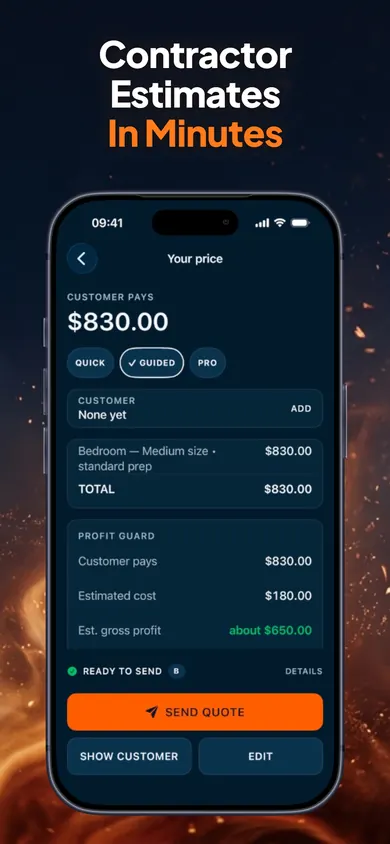
ScopeBid: Estimate & Invoice is an offline estimate and invoice app for independent service professionals, on iPhone and iPad. Its listing says Profit Guard shows gross margin and markup side by side before a quote is sent, and each quote goes out as a PDF.
Get ScopeBid on the App StoreYour first three quotes are free with full PDFs. ScopeBid Pro is an optional auto-renewing subscription for unlimited quoting and the wider job-costing and invoicing workflow. Check the App Store for current terms.
Honest Little Apps publishes both ScopeBid and this page. This is a separate browser tool and does not sync with the app. App details checked November 10, 2026.
On a computer? Open it on your iPhone