Stair calculator
Rise, run and stringer from one measurement
Measure floor to floor. This divides the height into equal steps, keeps each riser under your limit, and gives the run and the stringer length to cut.
Defaults are the common residential limits in the International Residential Code: risers up to 7¾ in and treads at least 10 in. Your local code may differ and always wins. Nothing you enter is saved or sent.
The method
Divide the total rise by the tallest riser you are allowed, and round up: that is the number of risers. Divide the total rise by that number for the exact height of each one. Every riser must be the same; an odd step is the one people trip on.
Treads and risers
There is always one fewer tread than risers when the upper floor acts as the last step. If the stair finishes one step below the floor, with a full tread at the top, the counts are equal and the run is one tread longer.
Comfort check
Stairbuilders use a rule of thumb: riser plus tread should come to roughly 17 to 18 inches. A 7.7 in riser with a 10 in tread gives 17.7, which is comfortable. Shallow treads with tall risers feel steep; deep treads with short risers make you shuffle.
Before you cut
- Measure finished to finished. Include flooring that is not down yet, at both the top and the bottom.
- Check headroom. Codes also set a minimum clear height above the stair.
- Allow for tread thickness when laying out the stringer: the first riser is cut shorter by one tread thickness.
- Confirm the code. Riser, tread, width, landing and handrail rules vary by place and by building type.

The quantity is sorted. Now price the job.
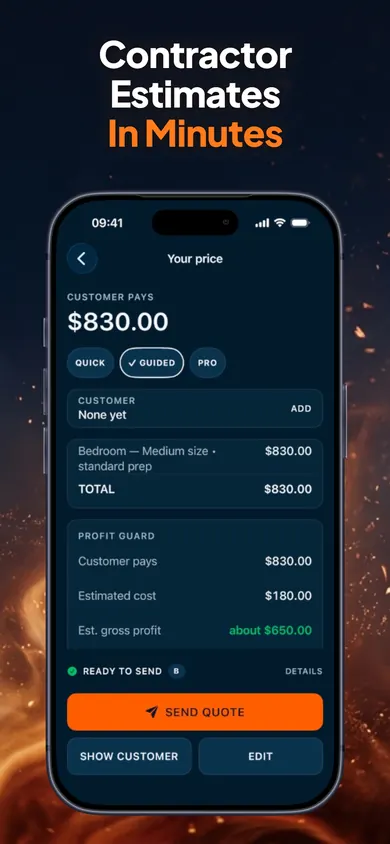
ScopeBid: Estimate & Invoice is an offline estimate and invoice app for independent service professionals, on iPhone and iPad. Its listing says Profit Guard shows gross margin and markup side by side before a quote is sent, and each quote goes out as a PDF.
Get ScopeBid on the App StoreYour first three quotes are free with full PDFs. ScopeBid Pro is an optional auto-renewing subscription for unlimited quoting and the wider job-costing and invoicing workflow. Check the App Store for current terms.
Honest Little Apps publishes both ScopeBid and this page. This is a separate browser tool and does not sync with the app. App details checked November 10, 2026.
On a computer? Open it on your iPhone